

Privacy by design, from ideation to audit.
Assessments kick off the moment a launch does, fill in from the PRD, and keep your ROPA current without spreadsheets.
Book a Demo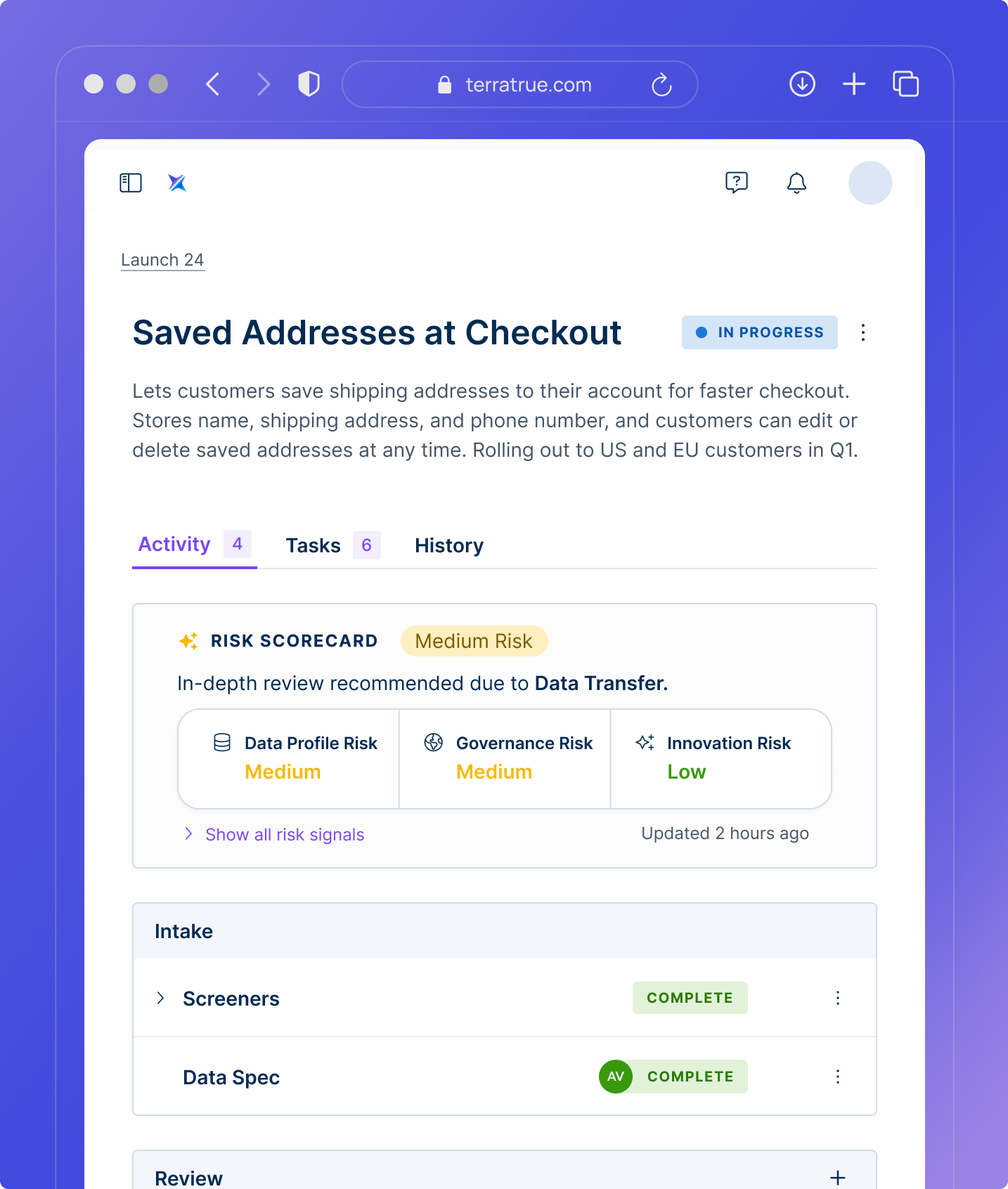
Keep privacy in step with product

Start every review on time
Privacy requests open automatically when new work is planned.

Draft assessments in minutes
Pull DPIA and PIA answers straight from design docs.

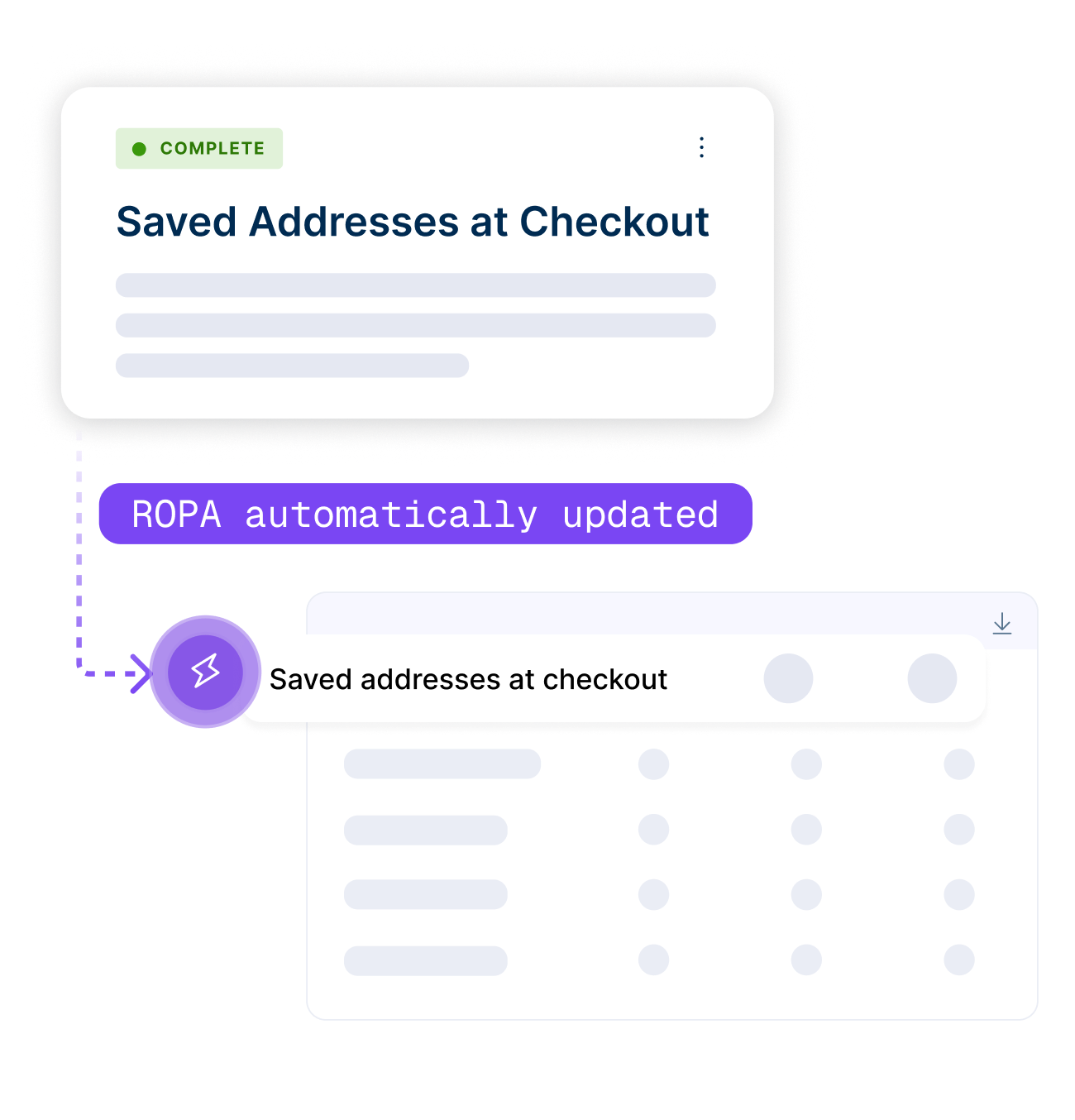
Keep your ROPA current
Records update automatically with every launch.
One review, every domain
The same intake that starts a privacy review alerts AppSec or AI governance when a launch crosses their thresholds.

Automatic Intake
Reviews open from Jira, Notion, Confluence and Google Docs the moment a launch starts.
AI-prefilled DPIAs, PIAs and LIAs
TerraTrue reads project descriptions and specs to suggest answers, prefilling up to 80% of the assessment.
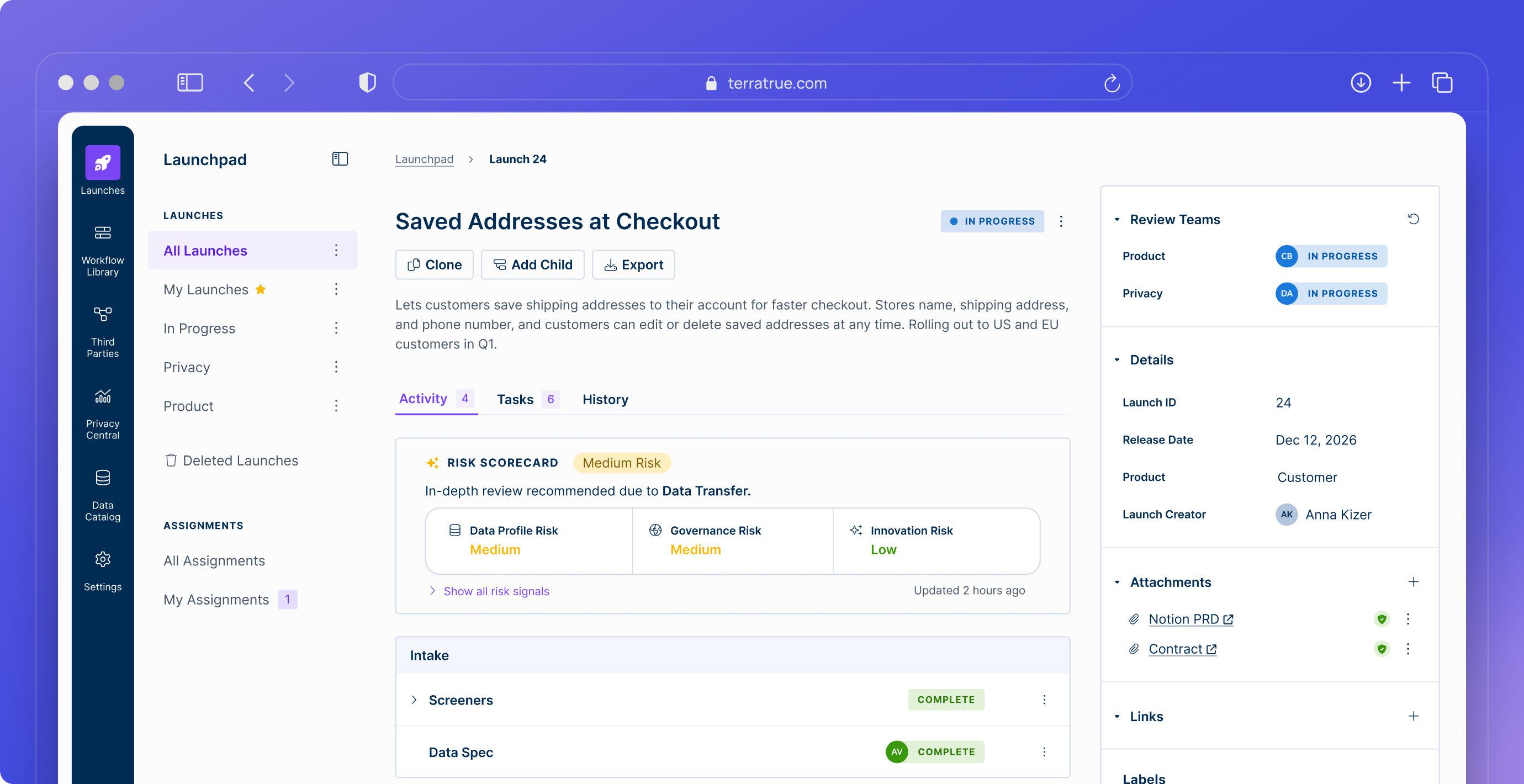
Risk Scorecard on Every Launch
A risk profile at a glance, generated from the launch’s attached context, so reviewers know what needs attention.
Adaptive Regulatory Logic
20+ pre-built, expert-vetted modules: GDPR, CCPA/CPRA, VCDPA and more.
The Living ROPA
Your ROPA and data maps update as reviews close.
Centralized Risk Registry
Privacy risks from every launch in one place, with remediation tasks tracked to closure.

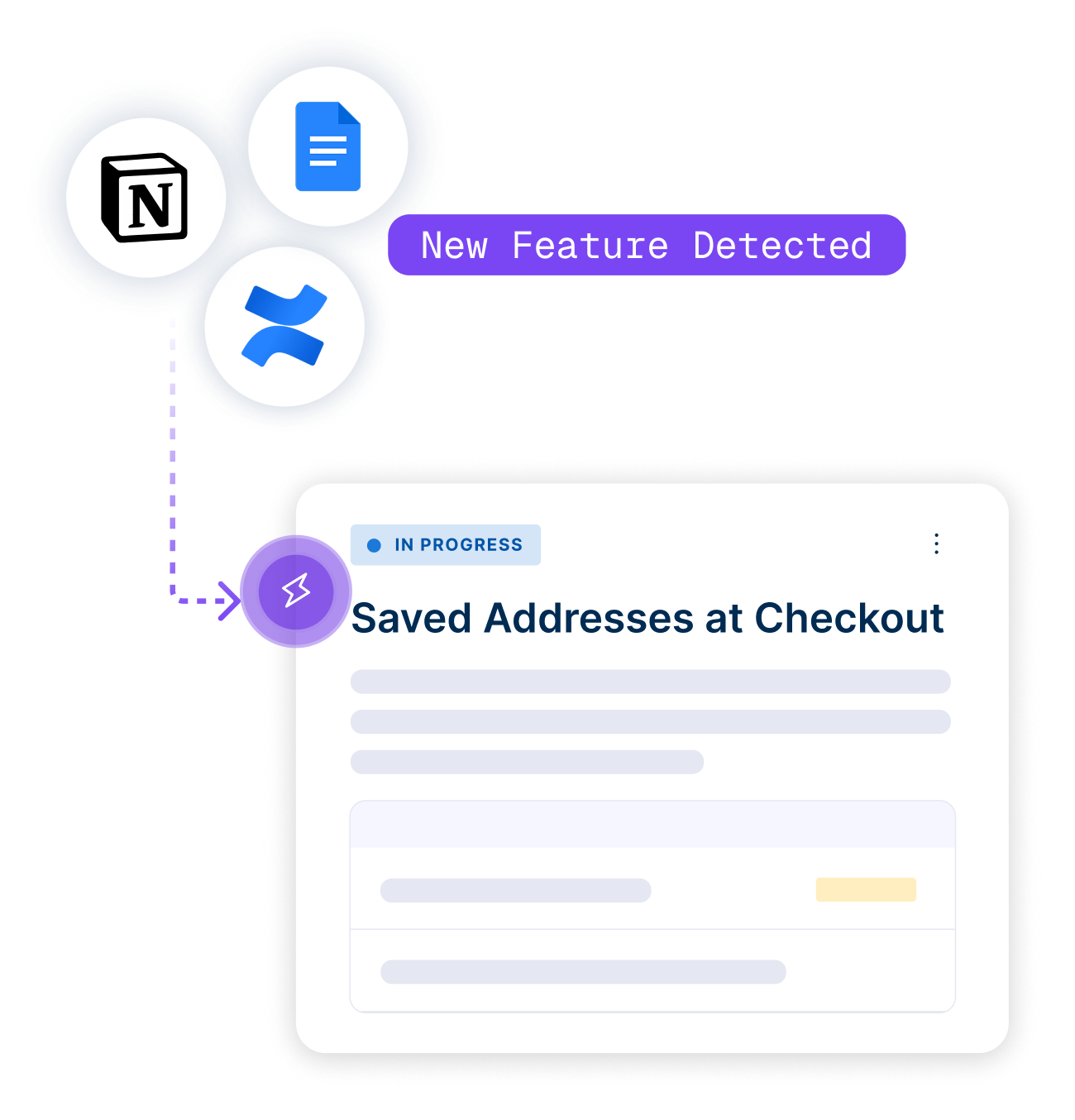
Every PRD opens a review
A review opens automatically when a new PRD lands in Notion, Confluence or Google Docs, before any code is written.

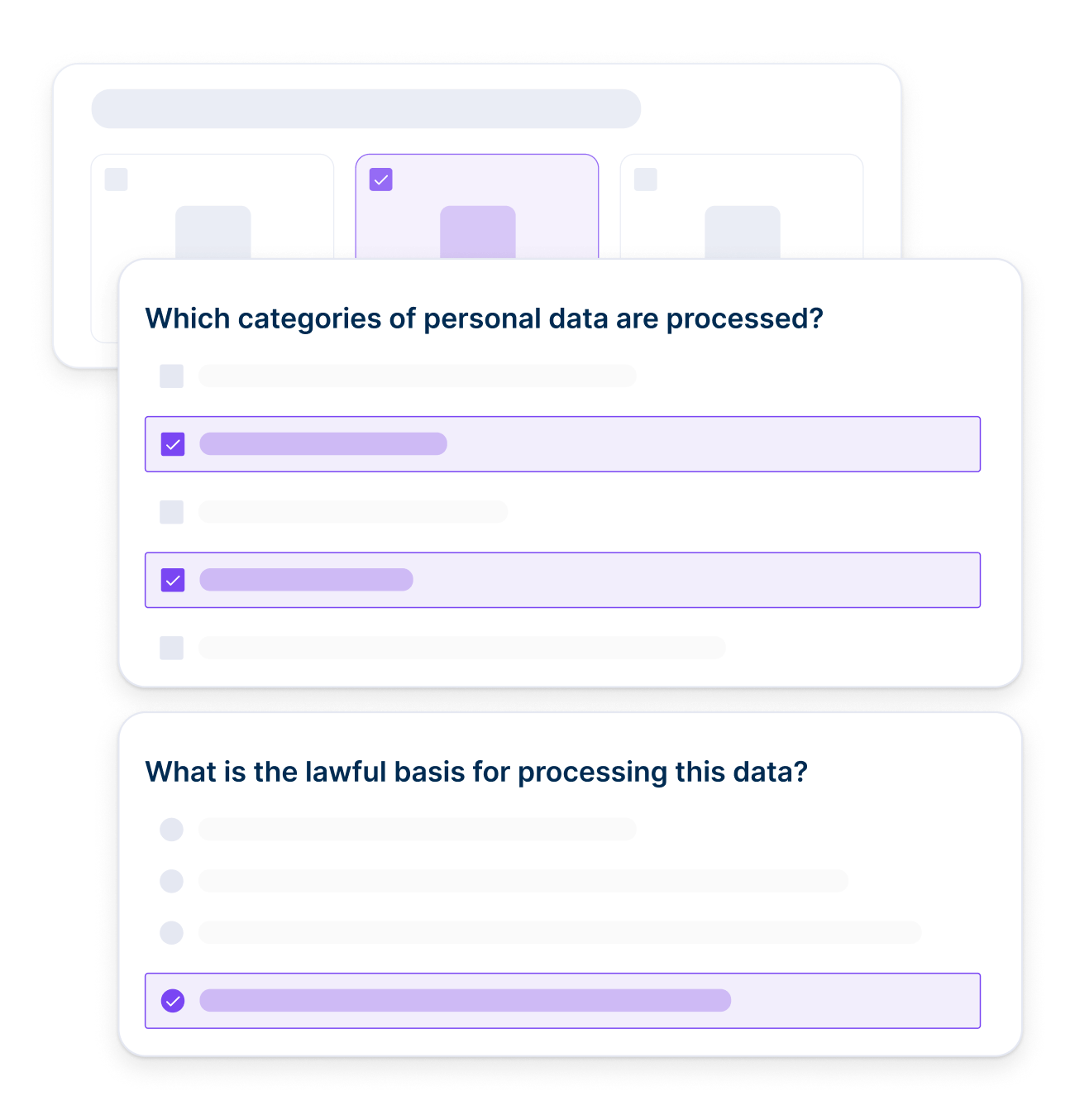
The DPIA writes itself
The Risk Scorecard flags what needs assessment, and the DPIA is prefilled from the PRD.
The ROPA updates itself
When the review closes, the processing activity is added to your ROPA automatically.
“They [engineers] love anything that means they don’t have to have a meeting with you.
They can just click a few things. On their side, if the intake form says ‘Yes, we’re using PII,’ it’ll automatically create a link to TerraTrue in the Jira ticket. So it’s really easy for them.”
— Cristin Morneau / Chief Privacy Officer & SVP
Learn More

Works with tools you already use



Privacy FAQs
Placeholder
Which regulations are covered?

20+ modules, including GDPR, CCPA/CPRA and other US state laws.
Do product teams have to learn a new tool?
No, reviews start from their Jira tickets and docs, and they answer in context.
How does the ROPA stay current?
It updates automatically as reviews close.
Can we use our own assessment templates?
Yes, use the workflow builder to create your own custom no-code workflows.
What does it cost?
Pricing depends on plan. Enterprise and Enterprise+ include all launch integrations and all privacy and AI modules.